Developers & testers
Check a sign-in flow, OAuth redirect, or magic link in Chrome, then flip back to Safari when you’re done.

Glasswitch lives in your Mac menu bar, shows which browser opens your links, and switches to another in a click.
US$0.99No subscriptionmacOS 26 or later
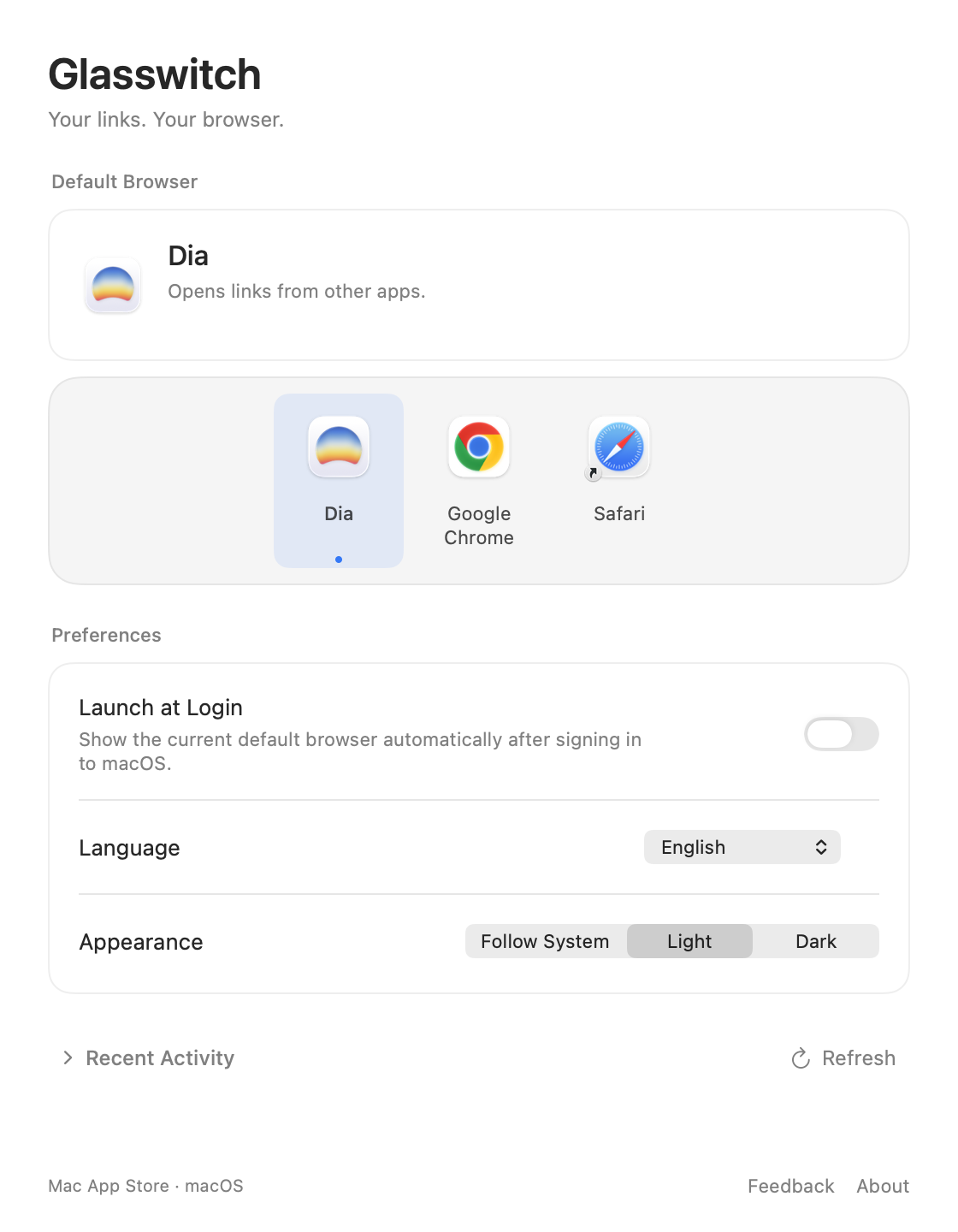
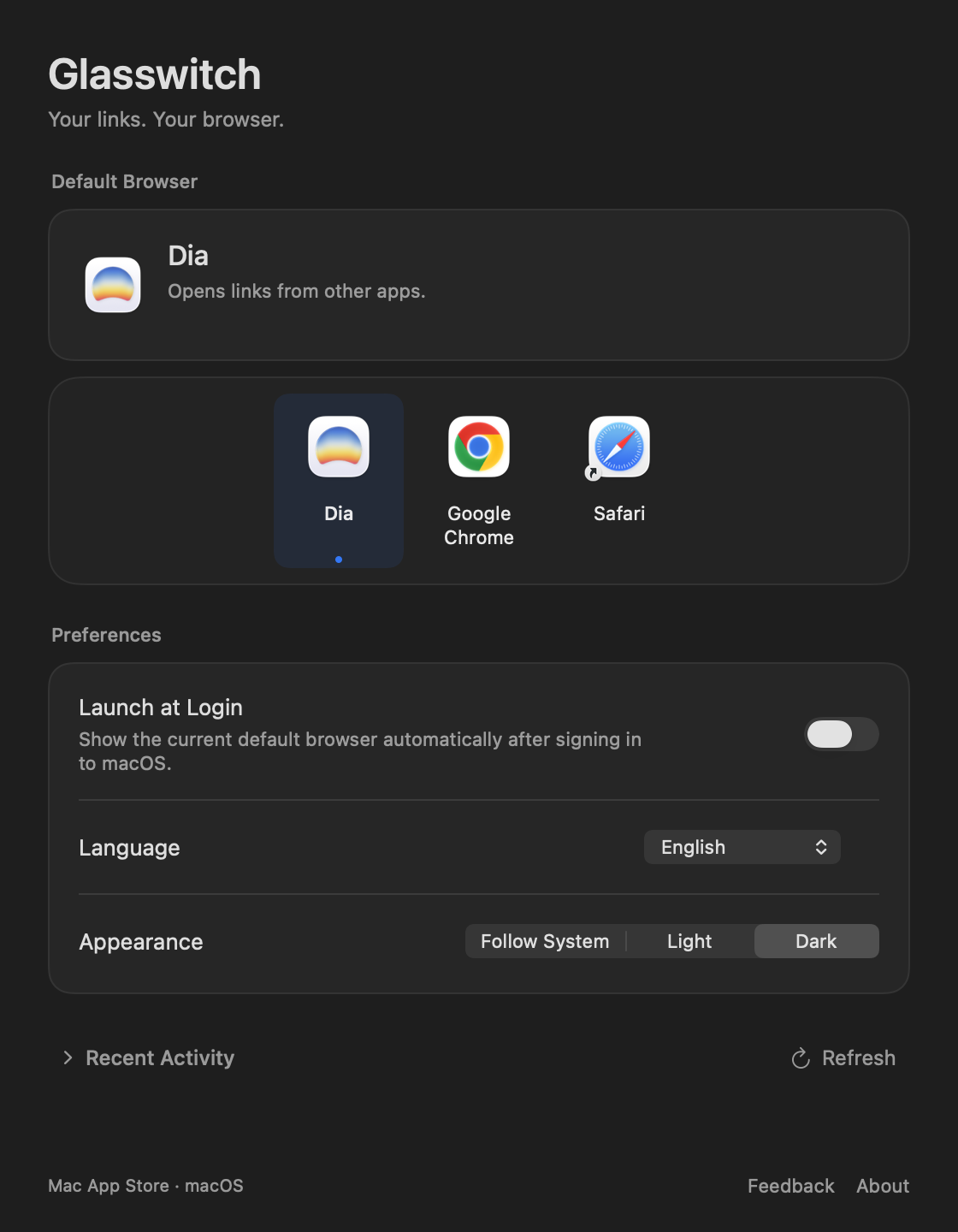
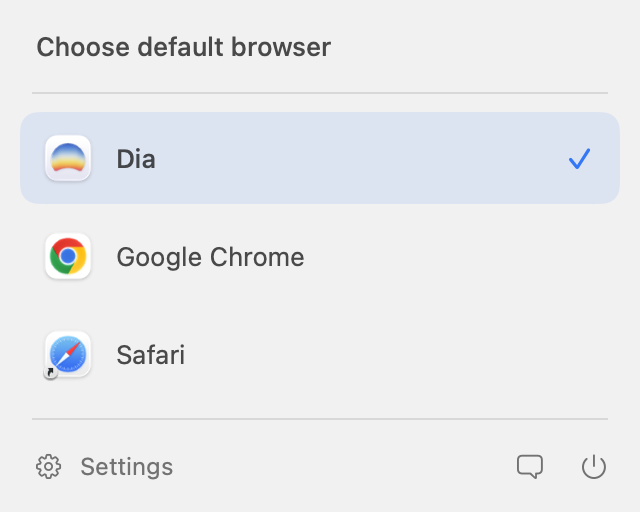
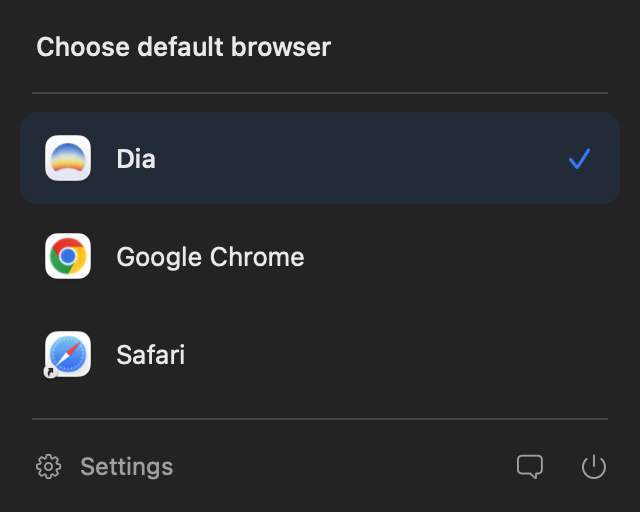
Changing your default browser on a Mac means a detour through System Settings. Glasswitch puts it where you already look.
macOS may ask you to confirm the change. That’s the system keeping you in control, and Glasswitch respects it.
If your day moves between browsers, your default should keep up.
Check a sign-in flow, OAuth redirect, or magic link in Chrome, then flip back to Safari when you’re done.
Keep work accounts in one browser during the day, and switch to your personal browser in the evening.
Trying Dia, Arc, or Firefox? Make it your default for a week, and switch back in a click if it isn’t for you.
Everything you need to manage your default browser. Nothing you don’t.
See your current default, pick from every installed browser, and set your preferences in one place.
The menu bar icon follows your default browser, so you know where links will open before you click.
Every installed browser that handles web links shows up automatically.
Matches your Mac, or follows your own choice.
Follow the system language, or pick one.
Ready in your menu bar every time you sign in.
Get Glasswitch from the Mac App Store. Its icon appears in your menu bar and shows your current default browser.
Click the icon and pick any compatible browser installed on your Mac.
If macOS asks you to confirm, approve the change. The checkmark moves to your new default.
Glasswitch works entirely on your Mac. It reads which browsers are installed and which one is the default. Nothing more.
Read the privacy policy →macOS protects the default browser setting and may ask you to confirm when an app changes it. The Mac App Store edition of Glasswitch uses Apple’s standard system flow, so the confirmation is expected.
No. Glasswitch changes the system default browser for ordinary web links. It doesn’t route links by website or app, and it doesn’t choose browser profiles.
Any browser on your Mac that registers for both HTTP and HTTPS links, including Safari, Google Chrome, Firefox, Microsoft Edge, Arc, and Dia. Just installed one? Choose Refresh in Settings.
US$0.99 in the United States, paid once on the Mac App Store. There’s no subscription and no in-app purchase. Prices in other regions are shown on the App Store.
A Mac running macOS 26 or later.
Purchases are handled by Apple. Use Apple’s purchase support to request a refund. Eligibility depends on Apple’s policies and your region.
Get Glasswitch for your Mac today.
Download on the Mac App StoreUS$0.99No subscriptionmacOS 26 or later